The cleaner
Opens
- Lobby
- Paintings gallery
- Broom cupboard
Badge for tonight: Stops working at closing.
Security and trust engineering means your systems check who is asking, what they’re allowed to touch and whether it’s still the right time, at each door, instead of trusting anyone who got past the front door.
One stolen badge
MIRA · RESTORER · STAFFMira’s work badge, stolen
In our short film, the museum is your business’s systems, the rooms are your apps and customer details, the badges are passwords and logins (so Mira’s stolen badge is a stolen password), the crates are the ready-made parts your apps use, the visitor book is the personal details you keep, and the sensors are tools that watch your computers. Master keys are admin logins; the locked cabinet, a password vault.
One check at the front · Vault
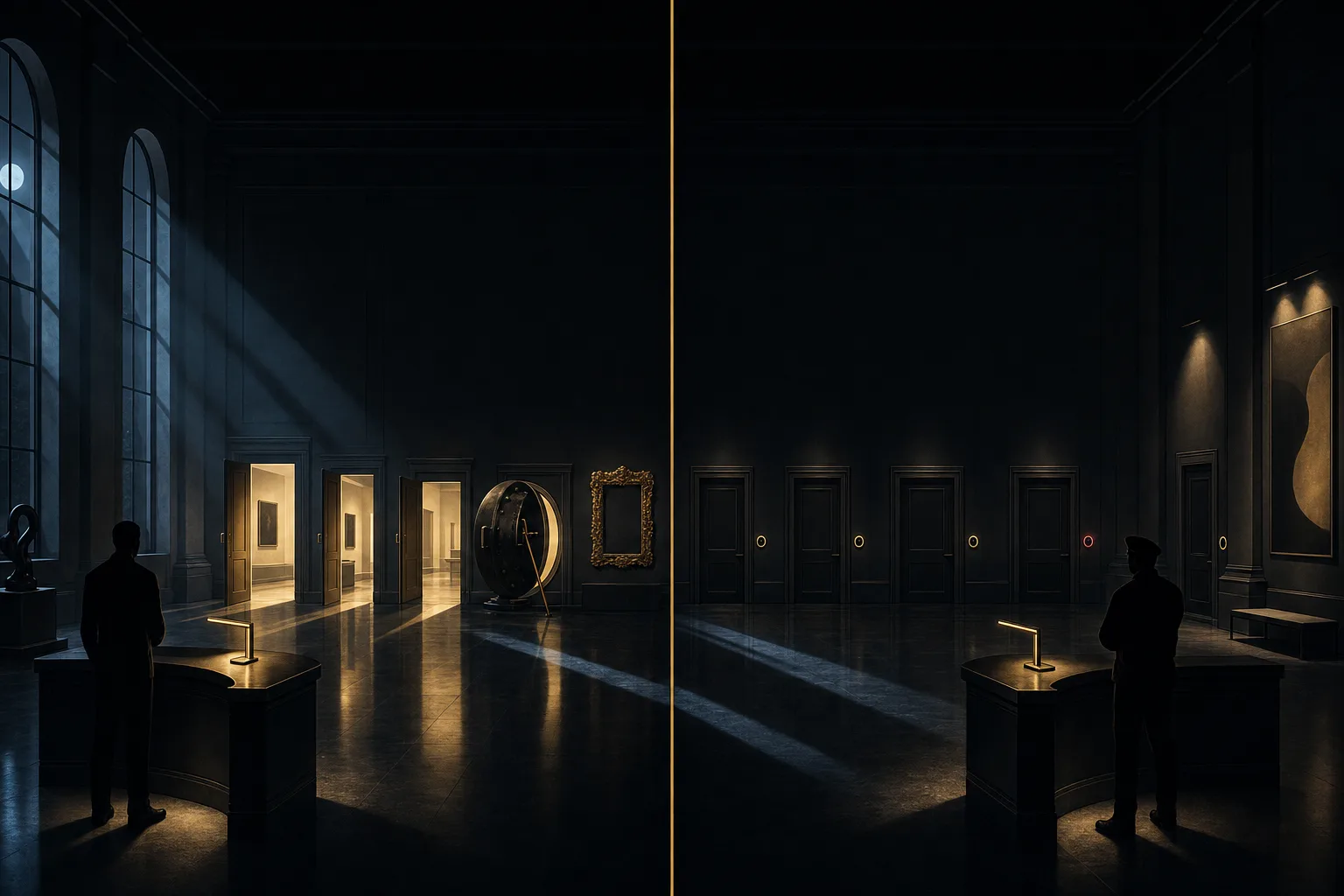
Wide open, propped with a mop. A painting leaves under an arm.
Night log
Nothing asked past the front desk.
One check at the front
Every door asks
In your business: one stolen password, and how far it reaches.
Experts file this under: zero trust · least privilege · segmentation
An illustration, not a measurement. No setup makes a break-in impossible. Checks at every door make one harder to pull off and easier to spot. It’s step by step, starting with the doors that matter most.
Watch · 2 min 23 sec
At midnight a thief strolls into a grand museum wearing someone else’s real work badge, and past the front desk nothing asks again. A short, funny story about why every door should ask, and what that means for your apps and data.
The idea in plain words
Each one in everyday words first, then the name experts file it under.

Every door asks.
Getting past the front desk shouldn’t open every room. Each door checks who is asking, whether they’re allowed in, and whether it’s still the right time.
Four ideas below, each with the name experts use01
Each room checks who’s asking, whether they’re allowed in, and whether it’s still their shift, so one stolen badge reaches much less of the building.
Experts file this under: zero trust, segmentation
Worth knowing: No setup makes a break-in impossible. Checks at every door make one harder to pull off and easier to spot. “Zero trust” is a way of working, not a product you buy.
02
People and apps get only the rooms their work needs, only while they need them, with a second proof at the risky doors, and old badges are taken back.
Experts file this under: identity and access management, least privilege, just-in-time access, two-step sign‑in
Worth knowing: Tighter badges mean a few more asks at the risky doors, so we keep the everyday doors easy.
03
Ask how a burglar would get in before you build, add quiet checks to everyday changes, then test the finished building the way a curious burglar would.
Experts file this under: security by design, DevSecOps, application security testing
Worth knowing: Checks and tests catch many weak spots, not all of them.
04
Know which outside parts come in and who sent them, and collect only the personal details you need, shown only to the people who need them.
Experts file this under: software supply-chain security, privacy by design
Worth knowing: Dock checks catch many bad crates, not all, and a known sender isn’t enough on its own. Packing lists are kept and re-checked. Laws differ by country, so we work with your legal advisers. Nothing here is legal advice.
Badges, not master keys
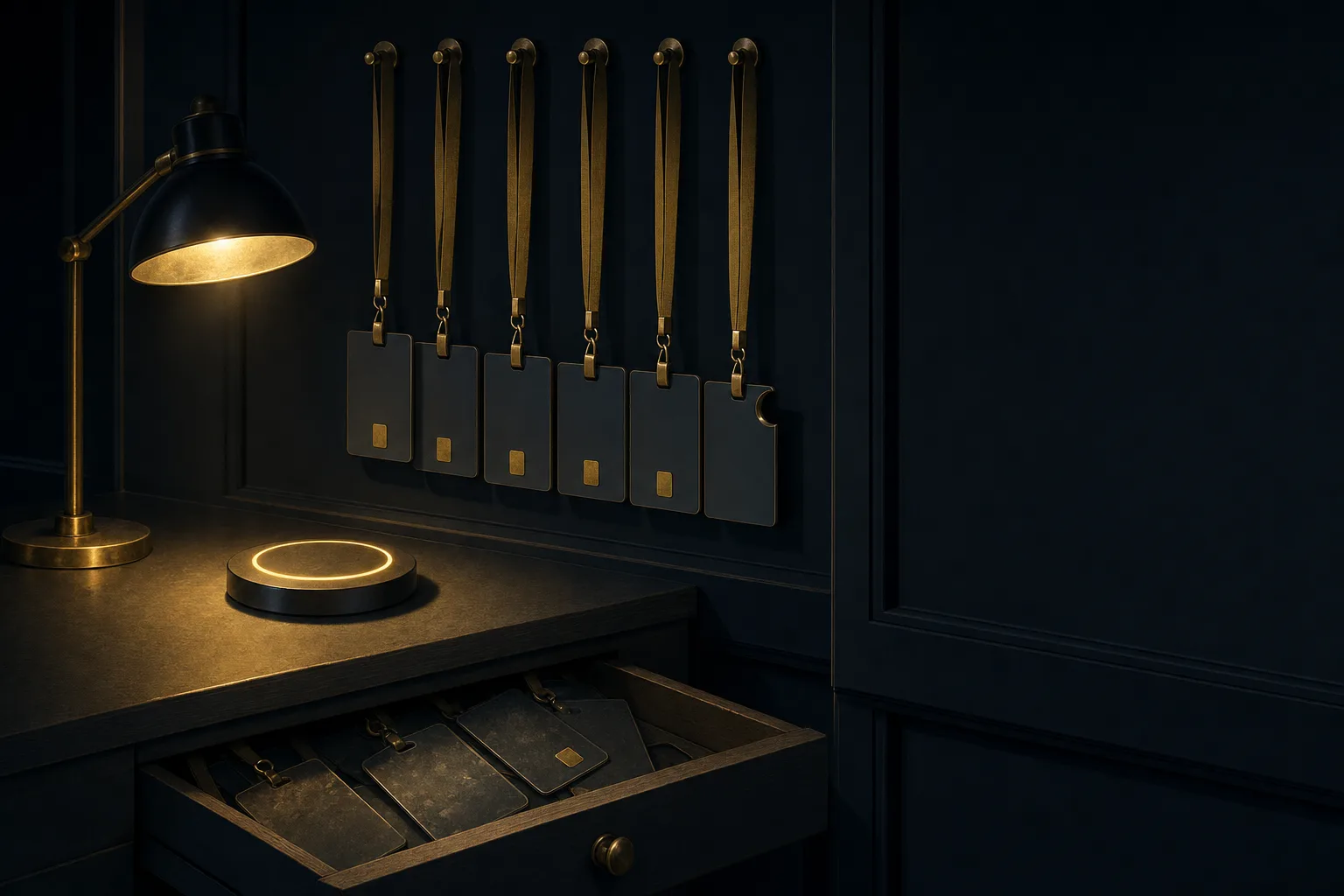
Pick who needs a badge. The desk prints one that opens only the rooms that job needs, and you choose how long it lasts.
Opens
Badge for tonight: Stops working at closing.
Opens the paintings gallery and the broom cupboard. Not the vault.
Old badges: taken back.
Badge for tonight, for the cleaner: the lobby, the paintings gallery and the broom cupboard. The vault stays shut. Stops working at closing.
In your business: each login opens only what that job needs, for as long as it’s needed.
Experts file this under: identity and access management · least privilege · just-in-time access · two-step sign‑in · access reviews
Worth knowing: Tighter badges mean a few more asks at the risky doors, so we keep the everyday doors easy.
| The cleaner | Lobby, Paintings gallery, Broom cupboard |
|---|---|
| The restorer | Lobby, Paintings gallery, Staff office, Restoration studio |
| A delivery driver | Loading dock |
| The night manager | Lobby, Paintings gallery, Staff office, Archive, Vault |
| The night-light robot that runs itself | Gallery light switches |
What comes in
Many apps are built partly from ready-made parts made by other people. In the museum, they arrive in crates. Pick a crate, and choose how the dock treats it.

Stencilled “From: not a thief”: Wheeled straight back out the gate, unopened.
In your business: the outside parts, add-ons and downloads your apps are built from.
Experts file this under: software supply chain · packing list (SBOM) · signing · provenance
Worth knowing: Dock checks catch many bad crates, not all, and a known sender isn’t enough on its own. Packing lists are kept and re-checked.
Sounds familiar?
If any of these ring true, a stolen password could probably reach further than you’d like.
Eight plain questions. Answer what you can, and we’ll point to where we’d look first.
Answer any question and the places we’d look first appear here.
Answer “No” or “Not sure” to any question to email the list.
Nothing is stored or sent unless you choose to email it.
What we help with
Eight pieces of work. Start with the door that worries you most, or bring them together.
Who can open which door, and for how long.
A stolen badge reaches less of the building.
We find which rooms matter most, put walls between them and make each door check who is asking, from where and on what device, starting with the riskiest.
Experts file this under: zero trust architecture, segmentation, access without a VPN
A stolen password alone opens less, and old badges are taken back on a routine.
One sign-in for staff, a second proof at the risky doors, master keys (admin logins) signed out for a task and returned, and a routine that takes badges back when people leave or change roles. Password resets at the help desk get a proper check too.
Experts file this under: identity and access management, single sign-on, two-step sign‑in, passkeys, privileged and just-in-time access, access reviews
Fewer forgotten keys lying around, each with a name and an owner.
Count the passwords and keys your apps, scripts and AI helpers carry, move them out of the code into a locked cabinet (a password vault for apps), give each one an owner, and change them on a routine.
Experts file this under: machine identities, secrets management, secret scanning, agent identity
Also in this area
Locks in the plans, and quiet checks on everyday changes.
Problems show up earlier, while they are small.
Ask “how would a burglar get in?” before building, and add quiet, well-tuned checks to everyday changes, so teams fix things while the work is fresh.
Experts file this under: threat modelling, DevSecOps, security checks in the delivery pipeline, policy as code
Weak spots found in a test rather than in a break-in, with a plain list of what to fix first.
Hands-on testing of your apps and the doors between them, including the parts that talk to AI models, with plain write-ups of what to fix first.
Experts file this under: application security testing, code review, penetration testing, API and AI-app security
Also in this area
Know your crates, and keep the visitor book short.
You have a list of what your software is built from, and where each part came from where it can be traced.
A packing list for each app’s outside parts, checks on the seal and the sender, a watch for lookalike names, and a routine to hear when a part needs a fix.
Experts file this under: software supply-chain security, SBOM, signing, provenance, SLSA, dependency scanning
Less to lose, and plainer answers when customers ask what you hold.
Find where personal details live, collect only what has a stated purpose, show each person only what they need, and delete on schedule or on request.
Experts file this under: privacy engineering, privacy by design, data minimisation, retention
Also in this area
Notice the odd thing, and know what to do next.
Odd things are easier to spot, and a bad night follows a plan.
Sensors on your computers and accounts notice odd sign-ins; we sort what they see so the odd thing stands out, write a calm plan with your team (close the door, call the right people, write it down) and try the plan out together.
Experts file this under: security operations, detection and response, incident response, tabletop exercises
Also in this area
We start from whatever you already use, for example your cloud provider’s sign-in and key services, sign-in services (such as Microsoft Entra ID, Okta or Google), password vaults for apps (such as HashiCorp Vault), tools that seal software parts (such as Sigstore), code and parts scanners, and your log and alert systems.
Ways to start
One app or system, who holds its badges, and the crates it takes in.
Who has which keys, which old ones to take back, and where a second proof belongs.
A packing list of the outside parts in one app, and a routine to keep it fresh.
How we work
Five steps in plain words, from the first walk-through to your team running it.
Walk
We walk the building with you: which doors matter most, who holds which badges, which crates come in and what goes in the visitor book. We talk to the people who run each system, not only to the plans.
Map
We mark the open doors and the old badges on one map, against a checklist or standard you already follow (if any). Then we agree with you a short list of what to fix first, and why.
Lock
We tighten the riskiest doors and badges with your teams, usually starting with sign-ins and who holds which keys, one system at a time.
Build in
We add quiet, well-tuned checks to the way your teams already work, so changes, crates and new features go through the same checks. Problems show up while the work is still fresh. Checks and tests catch many weak spots, not all of them.
Watch & teach
We help sort what the sensors see so the odd thing stands out, write a calm response plan with your team and try it out together, and coach your people to run it. We can stay on to help with the next doors if you prefer.

Where it fits
Illustrative examples, not customer stories: the kind of work this approach suits.
Good to know
Plain answers to what owners and tech leads ask first. Something else on your mind?
Ask us directlyNobody is trusted just for being inside. Every door checks who is asking, what they’re allowed to touch and for how long. “Zero trust” is a way of working, not a product you buy.
The checks run inside normal work, so people aren’t tempted to prop doors open. Tighter badges mean a few more asks at the risky doors, so we keep the everyday doors easy.
With the door that matters most, usually sign-ins and who holds which keys. A badge clean-up and a second proof at the risky doors are often the smallest useful first steps.
Not usually. We start with what you already have, and add only where it helps.
Yes. Automated attacks try lots of doors at once; they don’t check your size first. The smallest useful version is short: take back old badges, add a second proof where money or customer details live, and keep a list of the outside parts your apps use.
We help you gather the evidence your auditors, customers and regulators ask for as you go, and explain the gaps in plain words. We don’t promise an audit result. Laws differ by country, so we work with your legal advisers. Nothing here is legal advice.
We make a packing list of them, check the seal and the sender where we can, and set up a routine so you hear when one needs a fix. Dock checks catch many bad crates, not all, and a known sender isn’t enough on its own. Packing lists are kept and re-checked.
Your team keeps the maps, the checks, the packing lists and the calm response plan, and we coach them to run it. We can stay on to help with the next doors if you prefer.
Heard it before?
Answer: A real badge in the wrong hands walks straight past a front door that only checks badges, and past it nothing asks again. Every door needs to ask.
Answer: Automated attacks try lots of doors at once. They don’t check your size first.
Answer: They look after the walls and the wiring. You still decide who gets keys to your rooms, and what’s left lying on the table.
Answer: It’s mostly habits and checks: badges reviewed, locks tested, crates checked. Tools help. “Zero trust” is a way of working, not a product you buy.
Answer: Locks drawn into the plan get in the way less than locks bolted on at the end. Tighter badges mean a few more asks at the risky doors, so we keep the everyday doors easy.
Answer: Lawyers say what’s allowed. Engineering decides what gets collected, who sees it and when it’s deleted. Laws differ by country, so we work with your legal advisers. Nothing here is legal advice.
Take the guides to share with your team, or tell us which system or data worries you most, and we’ll suggest a first step.
Or write to contact@algoshred.com